
Explore branded trivia, virtual prize wheels, raffles and passport games that help start conversations, capture leads and introduce your products. Whether you need a quick booth game or a larger interactive activation, SocialPoint offers formats you can adapt to your event.
Now you can afford to be the fun, busy booth!





Attract and educate prospects with interactive trivia questions about your products. Use pre-designed templates or brand the game for your exhibit. Updated play options include Trivia Bingo and Category Clash, and a leaderboard motivates repeat participation.
Players can scan a QR code to play on their phones and enter their own contact information.
Bring spin-to-win excitement to your exhibit with a customizable digital prize wheel. Attendees can enter their contact information for a chance to play and win prizes. Use graphic templates or your own brand visuals, manage prize inventory, and export leads for follow-up after the show.


Collect contest entries throughout the event, then draw names or prizes in front of a crowd. A name picker or raffle wheel adds energy to trade show giveaways and provides an exportable list of participants for appropriate follow-up.


A recognizable activity gives attendees a reason to stop. Make the invitation obvious, explain the reward quickly, and give booth staff an opening to start a genuine conversation.
Best fit: exhibitors focused on visibility, foot traffic and more sales conversations.
Turn participation into actionable follow-up by asking only the registration and qualification questions your sales team will actually use. Make the next step after the show clear.
Best fit: teams that need usable lead records and a practical post-show follow-up process.
Short product questions, visual branding and relevant rewards help visitors remember what your company offers. At repeat events, adapt the message to introduce new products or complementary solutions.
Best fit: product education, launches and memorable booth experiences.
| Your exhibitor goal | Consider this SocialPoint game | Why it may fit |
|---|---|---|
| Small booth: start a conversation and run a simple prize activity | Virtual Prize Wheel | For a smaller booth, let staff invite visitors to a quick drawing or spin. Keep entry and reward rules easy to explain; scale the game to realistic traffic. |
| 10×20 or larger booth: teach buyers and qualify interest | Challenge Bar Trivia | Use short product-relevant questions, optional qualification fields and self-paced play when a host would add too much work. Smaller booths can also use Trivia when the format fits. |
| Build a shared prize-drawing moment | Name Picker + Raffle Wheel | Collect entries during the show, then draw names at an announced time. Plan the reward requirements so they do not create unnecessary barriers. |
| Island booth or multiple partner stations | Exhibitor Booth Passport | Give people a reason to visit several demonstrations or partners. Keep the number of required stops achievable, particularly when show traffic is uncertain. |
| Show organizer: connect multiple exhibits and activities | Digital Trade Show Passport | A broader event format can connect sponsors, education and participating booths. It is not the default recommendation for a single small exhibitor booth. |
Keep the invitation and rules short. Avoid lengthy registration forms or too many required activities; choose a self-paced option when there will not be a dedicated host.
Consider phones, a tablet or a large display, plus space for people waiting to play. Smaller booths can use a quick drawing; larger exhibits may support trivia stations or a multi-stop passport.
Need help selecting a game? Tell us about your booth, audience and goals, and we can recommend the right format. Request a Demo.
| Factor | Digital trade show games | Traditional physical booth games |
|---|---|---|
| Equipment & freight | Software requires appropriate internet access and player/display devices; existing equipment may be reused. | Physical props or rented equipment can require freight, onsite handling and storage. |
| Booth space | Formats can use attendee phones, tablets or screens, depending on the game. | Some activities require dedicated floor space and a staffed queue. |
| Customization | Brand visuals, questions, game settings and prizes can be tailored to the event. | Physical signage and props can be branded but changes may involve new production. |
| Lead capture | Selected games support participant details, lead questions and export for follow-up. | Usually needs a separate capture tool or a coordinated staff process. |
| Repeat use | Content and branding may be revised between shows within the applicable plan. | Props may be reused but transport and storage may remain ongoing considerations. |
There is no universally best format. Choose the activity that fits your event goals, available equipment, staffing, audience and total budget.

Launch faster with prepared visuals and recognizable design styles.

Use Canva or Illustrator templates to bring your brand into the game.
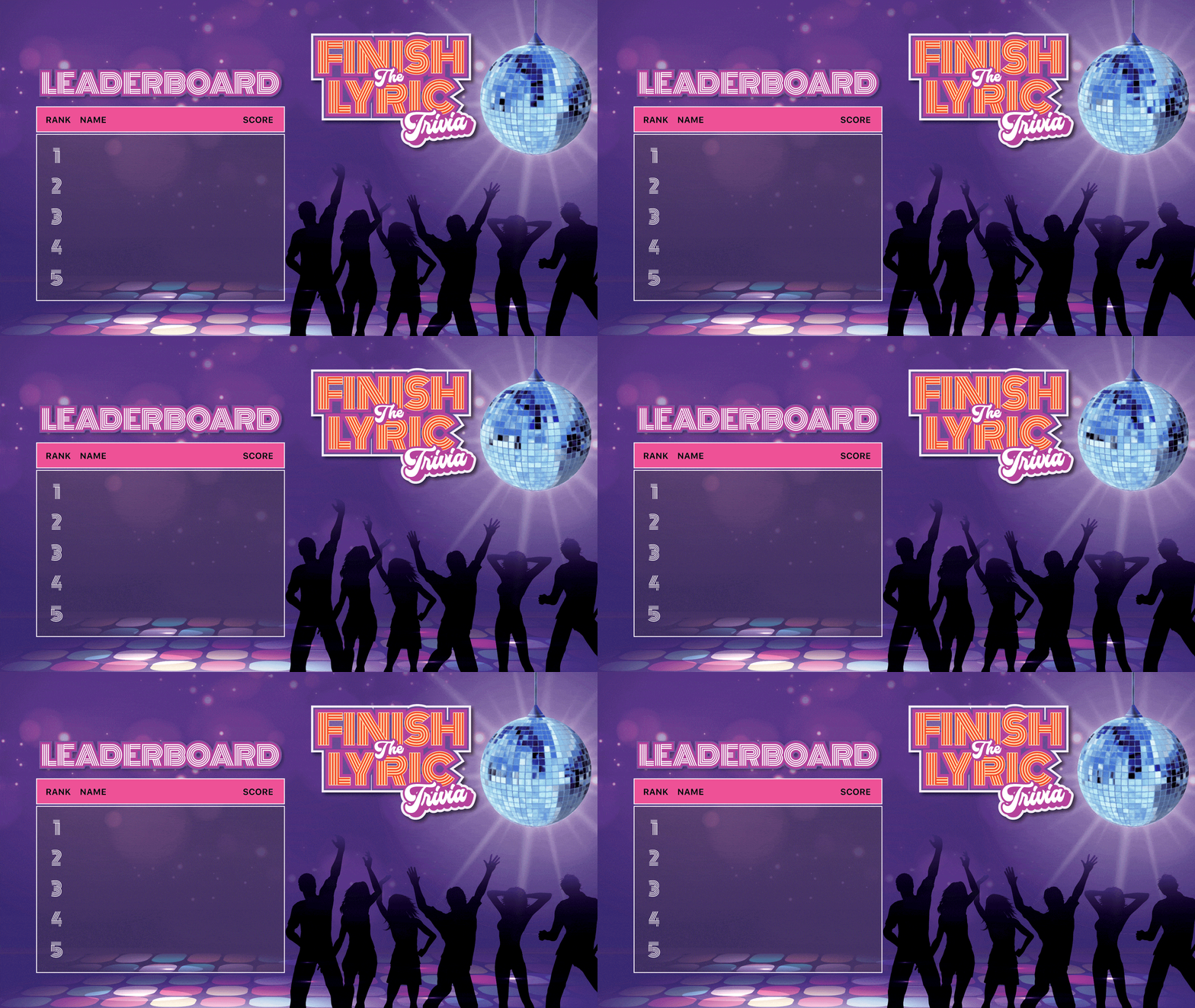
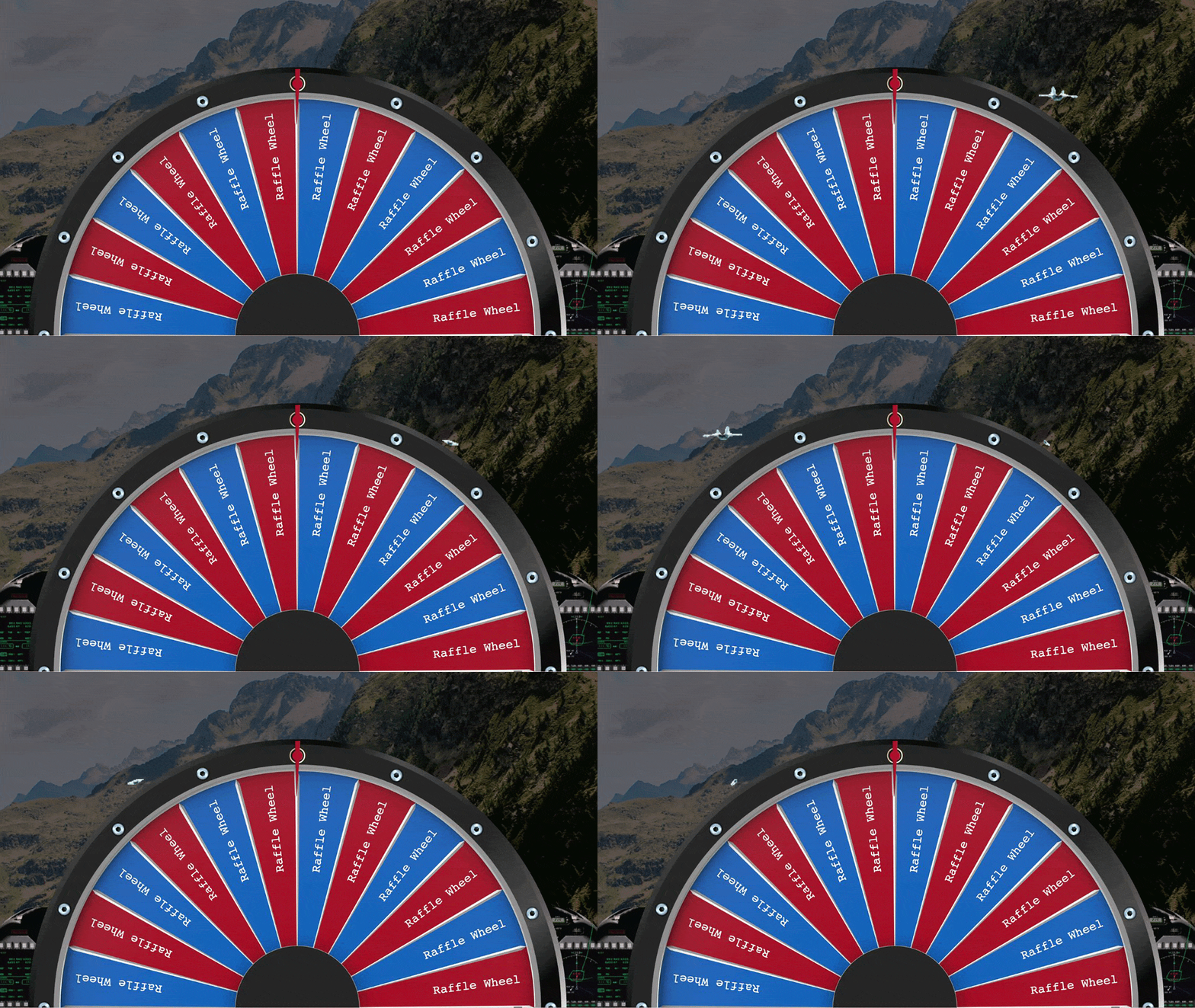
Use motion on a trivia leaderboard or branded prize wheel visuals.

Pick your format and gameplay settings based on your goals.

Use a template or apply your brand colors, logo and graphics.

Enter trivia questions, answers, qualification details and prizes, then test.
Supported phone-based games open through a QR code or browser link, without a separate attendee app download. Match the display and device to your game format.
Plan your questions, screens or tablets, prizes, connectivity and onsite staffing. Test the venue connection and arrange a backup if service may be congested; do not rely on offline play.
Choose self-paced or staffed gameplay, where available, based on how your booth operates. Confirm participant limits and available assistance for your selected plan.
Use applicable drawings, prize options, qualification questions and participation settings to support the objective of your event. Features differ by game.
Reuse an established game format and review participation trends from event to event. Adapt each activation to new products and audiences without developing a new game application.

See game activity and participation in available reports so your team can assess outcomes and learn what to improve for the next event.

Download applicable player and lead data in Excel and coordinate import into your sales follow-up workflow. Discuss optional Zapier-based transfer if needed; do not assume a native CRM integration.
According To The Center for Exhibition Industry Research (CEIR)
Booth visitors rated trade show games as the 2nd most effective tactic for attendee engagement.
67% of attendees highly or very highly use trade show games when offered by exhibitors.
Only 7% of exhibitors use trade show games as an attendee engagement tactic.
GE Healthcare, SAP, Expedia, Medtronic, Smith + Nephew, Trend Micro, Eaton, Thomson Reuters, Bank of Montreal, PwC, John Deere, Thermo Fisher Scientific, McKesson, Teleflex, Discover, Hyatt, Andersen Windows, LexisNexis, Reckitt, Cricket Wireless, Microsoft, Optum, Siemens, IMAX, Accor Hotels, AmerisourceBergen, PACCAR


SocialPoint’s Digital Fishbowl received an ExhibitorLive Buyer’s Choice Award.

The SocialPoint Audience Engagement Platform was selected as one of the top ten new products at IBTM World.
SocialPoint is a cloud-based SaaS platform. There are no apps to download in the app store.
When you choose SocialPoint, you get three things:
Your game choice depends on the size of your booth space, the demographics of your audience, and your goals at the show:
Compare SocialPoint games based on your trade show goals and audience.
It is possible for one exhibitor to choose different games at different shows because the audiences are that different, even though their product offering is similar.
Here are some common mistakes to avoid when using trade show games:
Besides the cost of the subscription, there are other potential costs:
Players will access the game by scanning a QR Code, clicking on a web-based link (on your website or in an email) or they might play on an iPad.
Yes, we do have a trade show games where players can access through their phones. You can provide players the link or generate a QR code in SocialPoint that players can scan to play on their phone.
Trade show games are a proven method to gather more attendees into your booth but to get their full value, exhibitors also should do the following:
Trade show games are a proven method to gather more attendees into your booth but to get their full value, exhibitors also should do the following:
Yes. You can change the color theme to include your own logos, graphics and colors in the game.
You can measure the success of your trade show game by:
Yes, here are some SocialPoint customers who succeeded using our trade show games:
You can read more about successful trade show games by going here.
Selected games collect attendee contact information and can ask qualification questions. Keep the form short and aligned with what your sales team needs. Confirm appropriate consent language and your follow-up process before the event.
Lead lists can be downloaded into Excel for import to your follow-up process. If your team uses Zapier, additional transfers may be configurable. Do not assume a direct native Salesforce integration or badge scanning is included; confirm your exact workflow with SocialPoint.
SocialPoint provides the web-based game software. Depending on the game and plan, your team may supply questions, graphics, a computer or tablet, any screen or physical controller, the internet connection, and onsite staffing. Ask which steps are self-service and which are included with supported setup before buying.
You will have the following support from us:
No. We rarely send staff onsite for trade show booths. We designed our trade show games so you can easily set it up and manage it onsite yourself. Your customer success manager will be available via Text, chat, or email to help you if you have questions or issues. Just send him or her a picture of what you are seeing and what you expect. They will help you get it sorted out right away.
If you are deploying a SocialPoint game in your trade show booth (or on the trade show floor) we recommend that you do the following:
Pro-tip: Our games require an active internet connection but not a lot of bandwidth. Since internet service performance varies from venue to venue, we recommend setting your game up on a different network from the network where attendees are watching cat videos.
For applicable phone-based activities, attendees scan a QR code and then open the game in their mobile browser—no app download is required. Self-paced Trivia can also run without a host.
Some of our customers are worried that they can’t test their game before their show because their game license doesn’t allow it. Don’t worry – you can start, stop and reset the game as many times as you want during your subscription term. Because our subscription terms are at least two or three months, you should have plenty of time to setup, test, revise and launch your game.
After you have set up your game inside our software platform, with the visuals, settings, and content the way you want, you can test the game by deploying the link you get to activate the game on your iPads and/or your big screen.
Then use a link or scan the barcode as a player to see how the game performs.
You can then make any changes you want to your game before the trade show.
SocialPoint games require access to the internet to allow players to play the game, and to upload to the cloud any contact data you gather with the games.
However, if the internet goes down, the visuals on your big screen, such as a leaderboard or prize wheel, will not go down. You will still have cool digital content showing while you troubleshoot to fix your internet connection.
SocialPoint can be setup with a few clicks – if you are using our themes and content. If you want to upload your own logos, colors and content, it will take a little longer.
You can also purchase extra support, and we will give you access to a project manager who will help you setup and configure your game(s) for you.
Yes, you can use your trade show game at as many shows as you want during your subscription term. If you do multiple shows, we recommend the annual plan. It’s a great deal.
Once your game is set up, it’s pretty easy for you to reset the game for another show. You will be able to reset the leads, make edits to the game design, and track game performance across events.
The prices are based on the number of players, term length, and your needed service level.
The 12-month plans save you 65% to 71% if you plan to use games at trade shows and events all year long, compared to renewing 2-month plans for Trivia and Prize Manager games, or renewing 3-month plans for Booth Passport games.
You can resubscribe anytime to re-activate your game.
Trade show games are one way to increase participation. Explore how gamification also supports attendee learning, networking, sponsor activation and team activities at business events.

Compare game options, brand customization, participation and lead-capture features.
Find the interactive trade show game that fits your marketing goals.